Interior
Turn dated rooms into considered, liveable spaces.
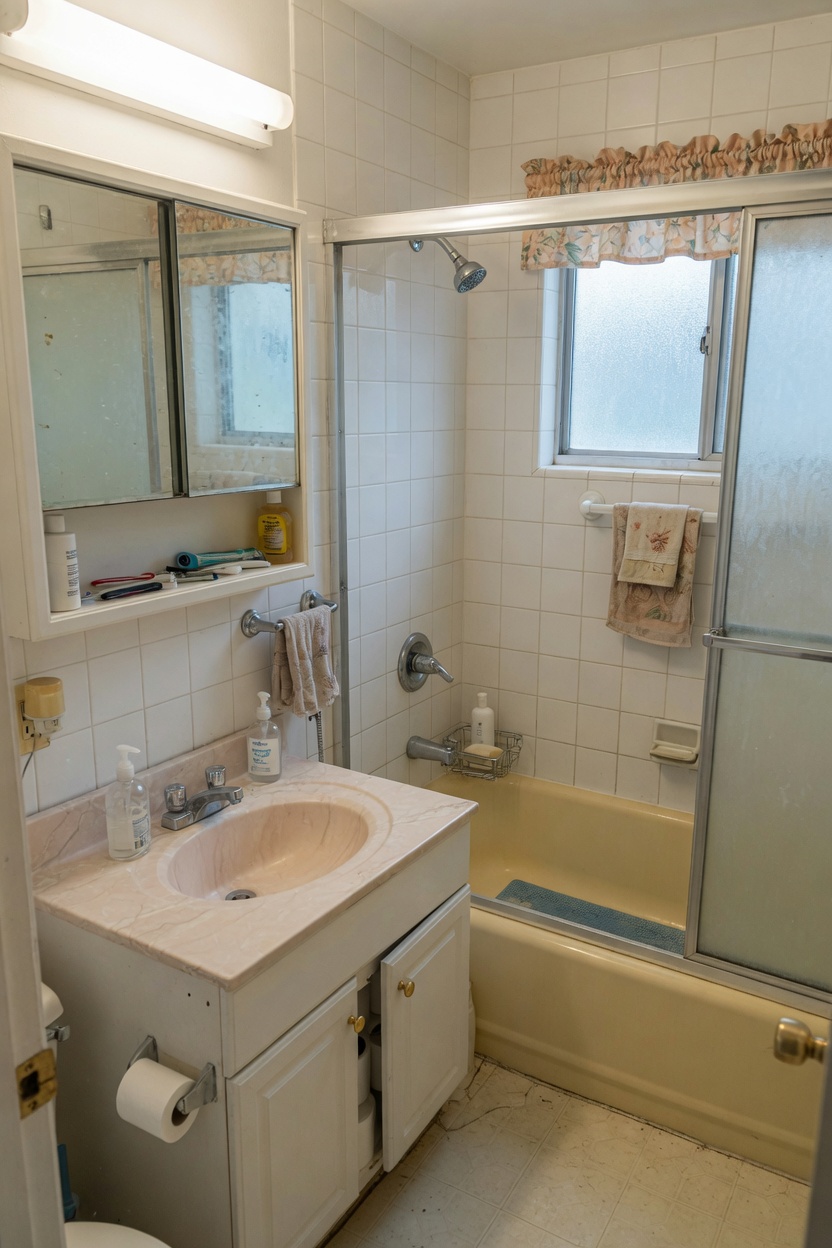
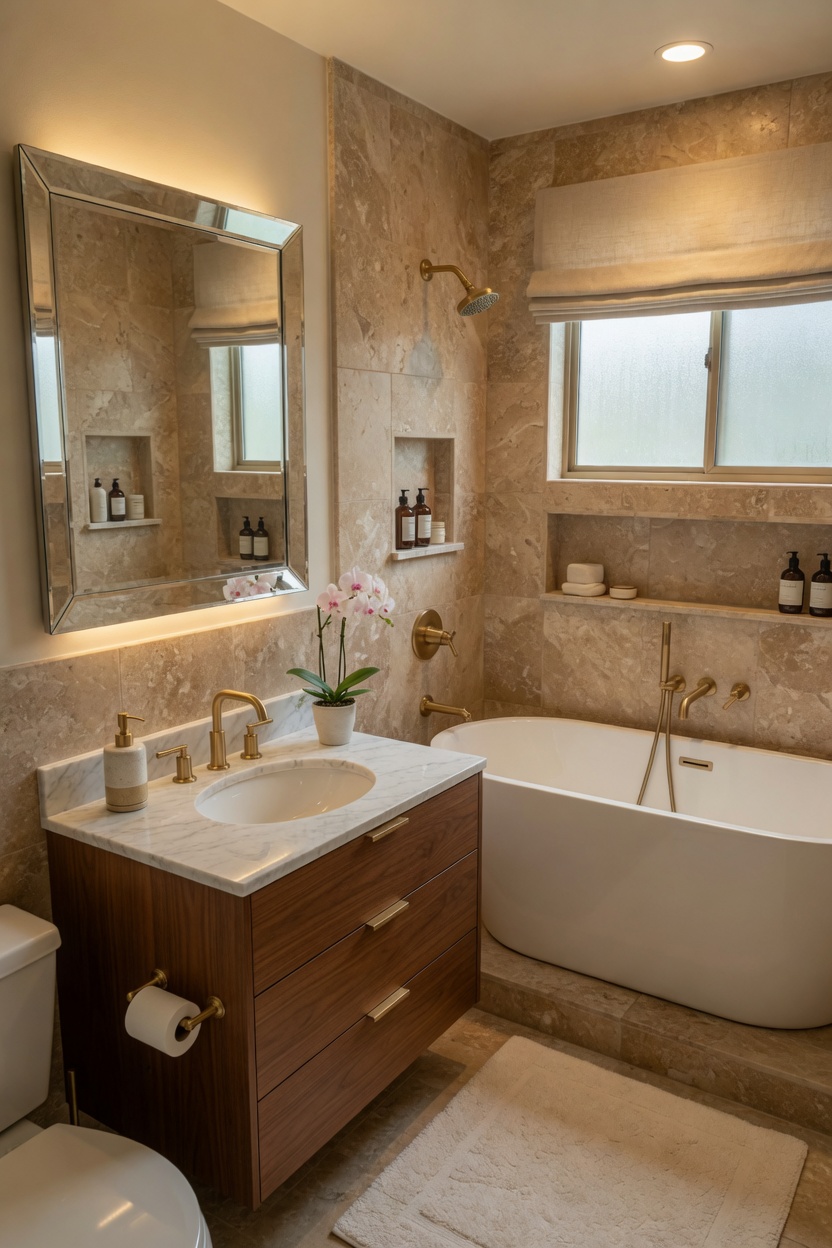 BeforeAfter
Reimagine interiors, exteriors and gardens from one photo—while keeping the architecture that makes the space yours.
Download on the App Store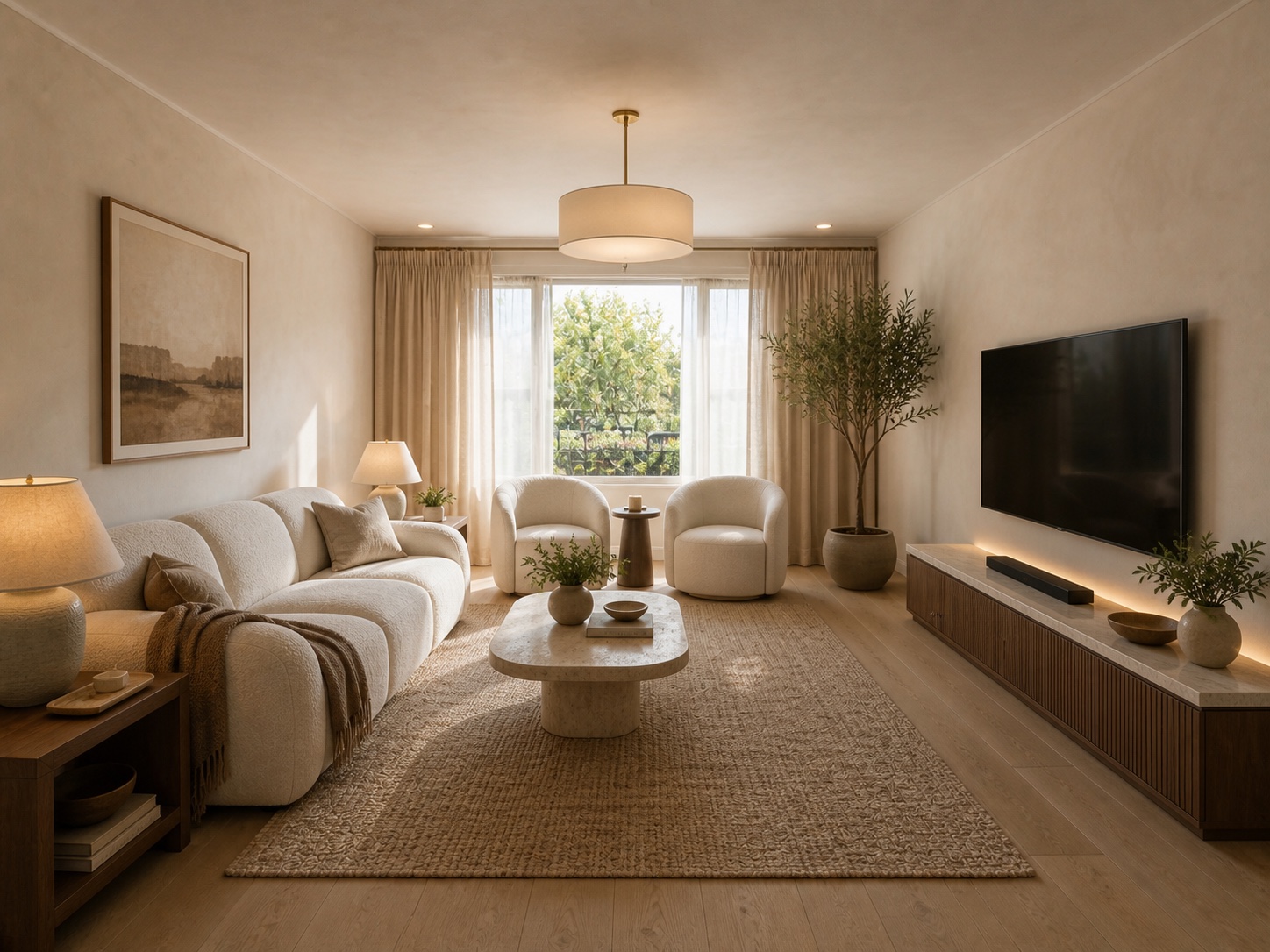
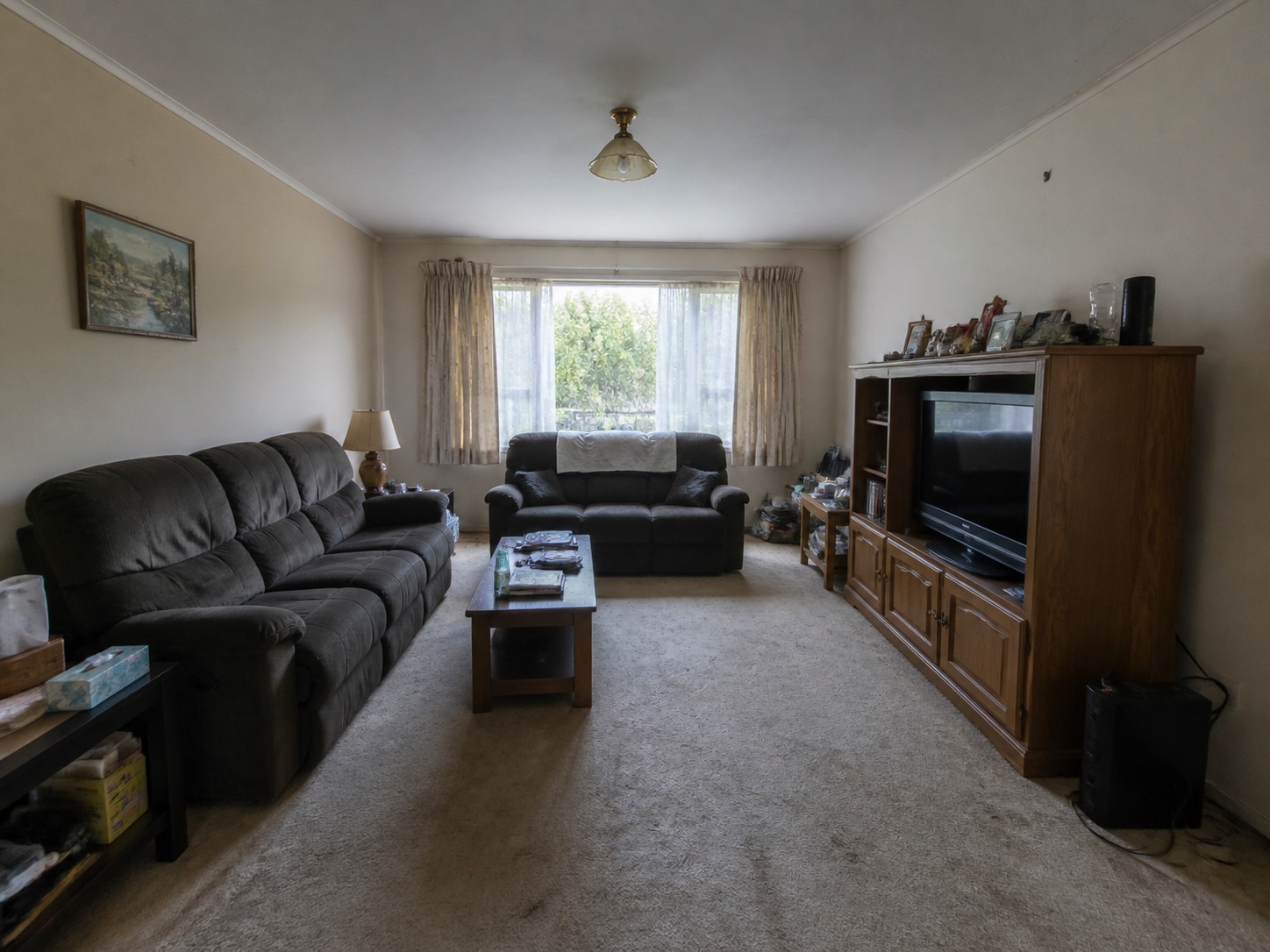 Before
After
Before
After
Rova keeps the camera, walls, windows and layout unless you choose Renovation Design.
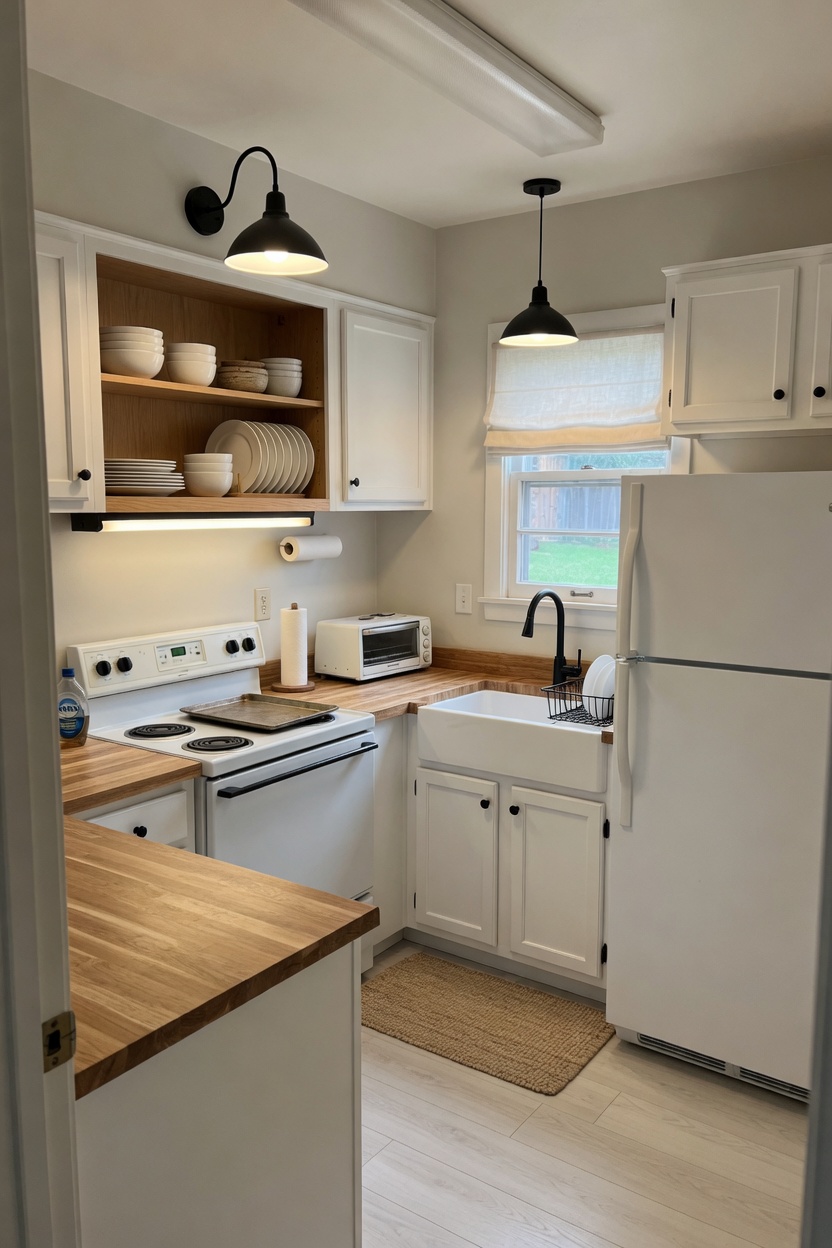
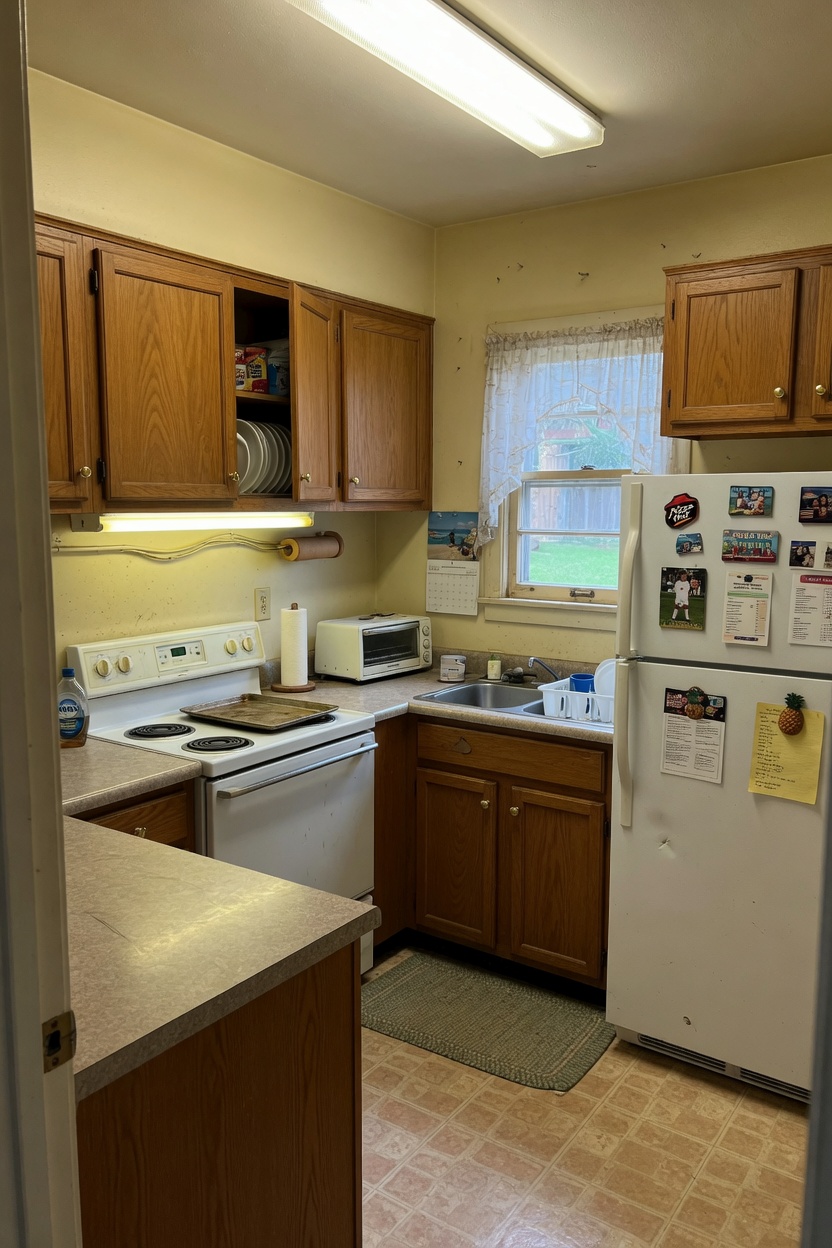 BeforeAfter
Turn dated rooms into considered, liveable spaces.
BeforeAfterTurn a tired property into a destination-worthy retreat.
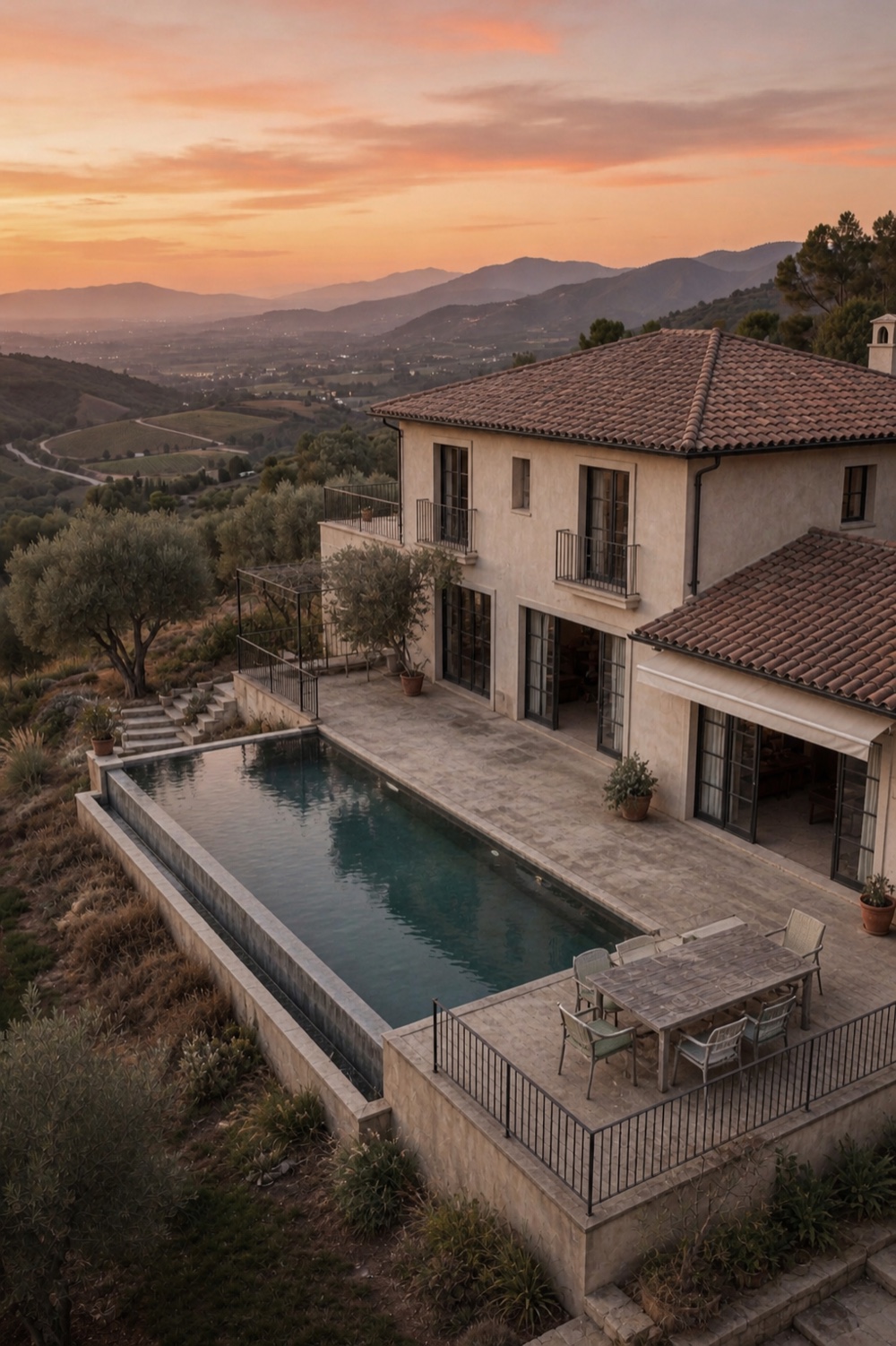
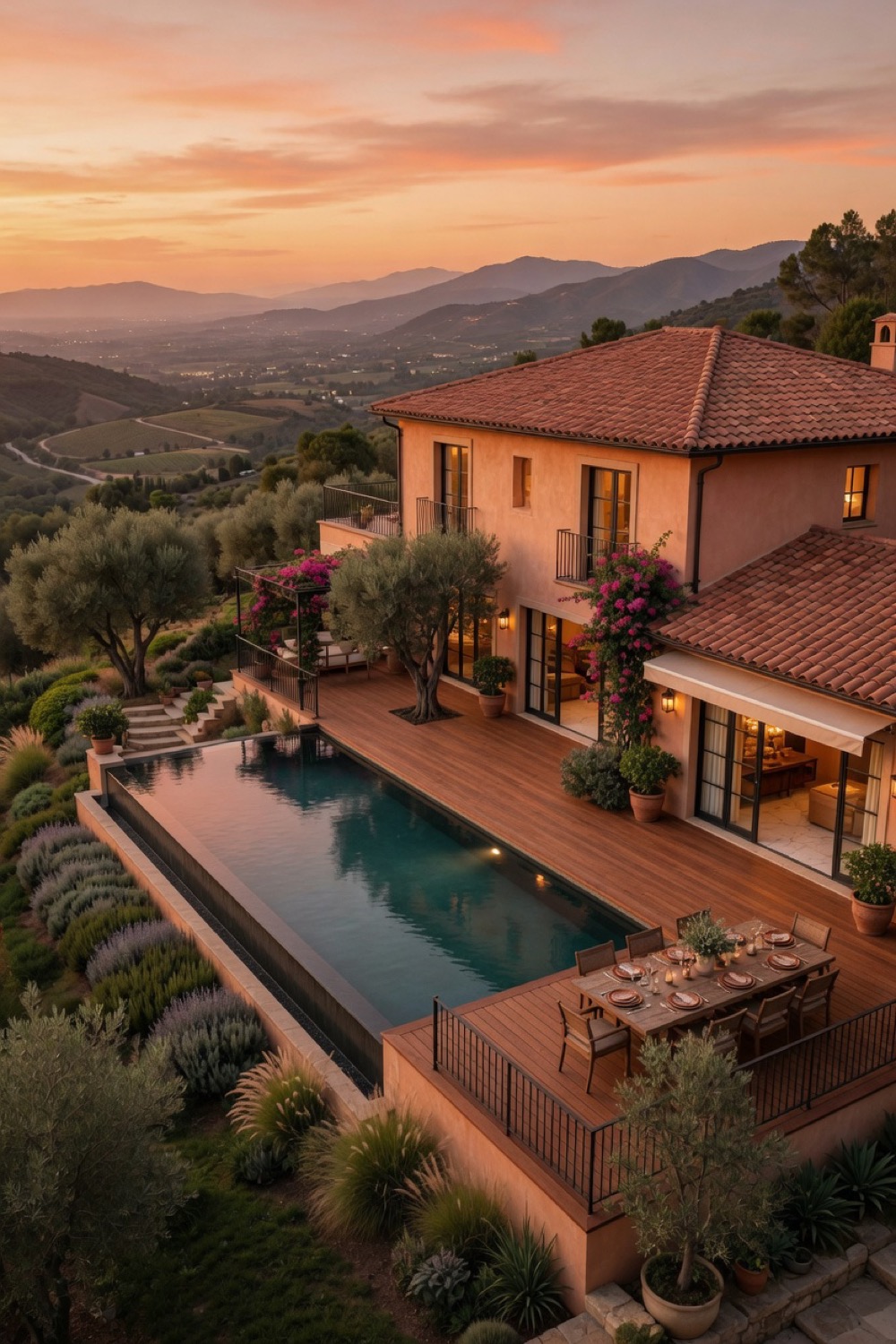 BeforeAfter
Turn an overlooked courtyard into a place to gather.
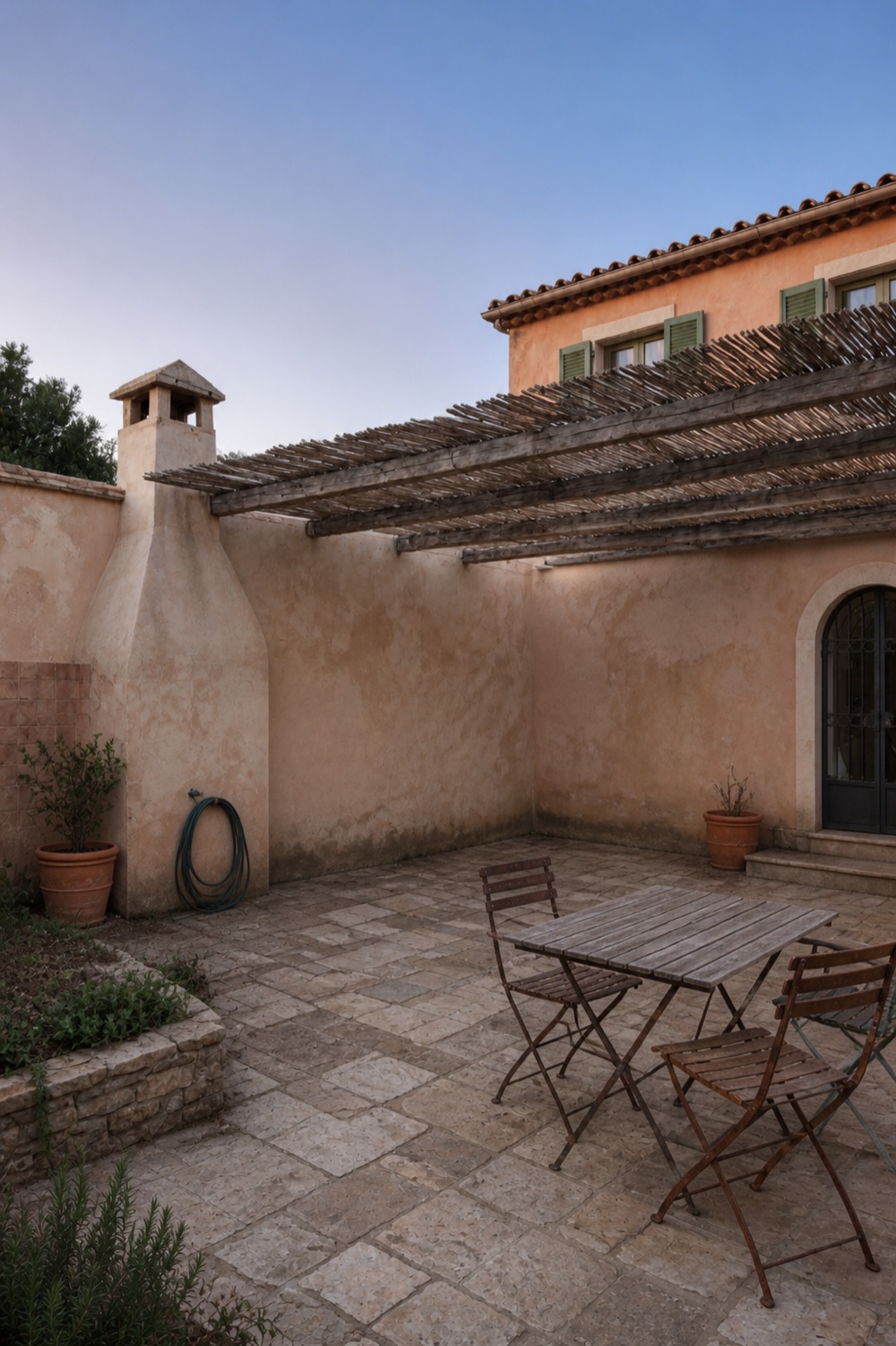
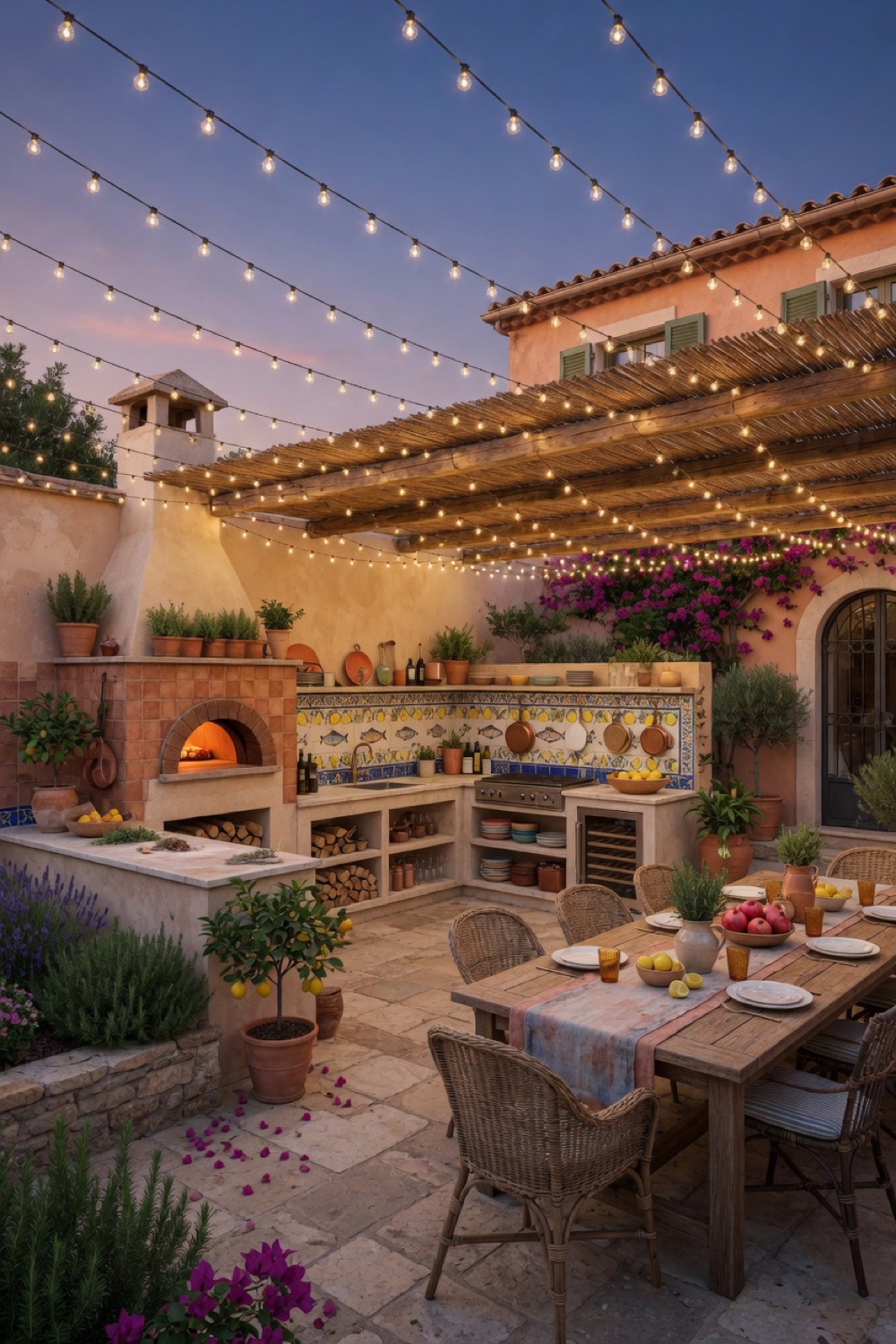 BeforeAfter
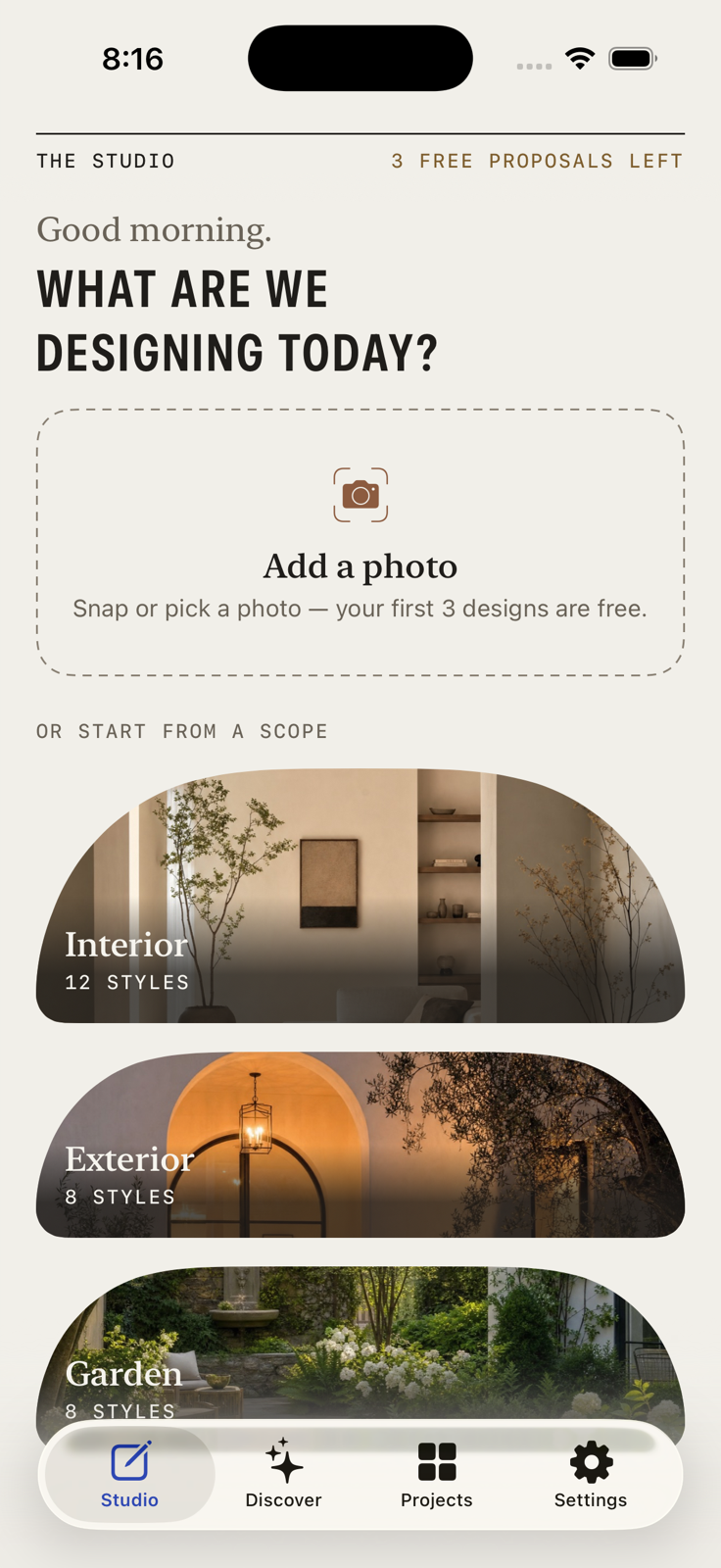
Start with any photo of your space.
Let Rova understand what to keep.
Explore styles, moods and materials.
Get a design that respects your space.
Explore styles and references—Rova applies them to your space without changing its architecture.
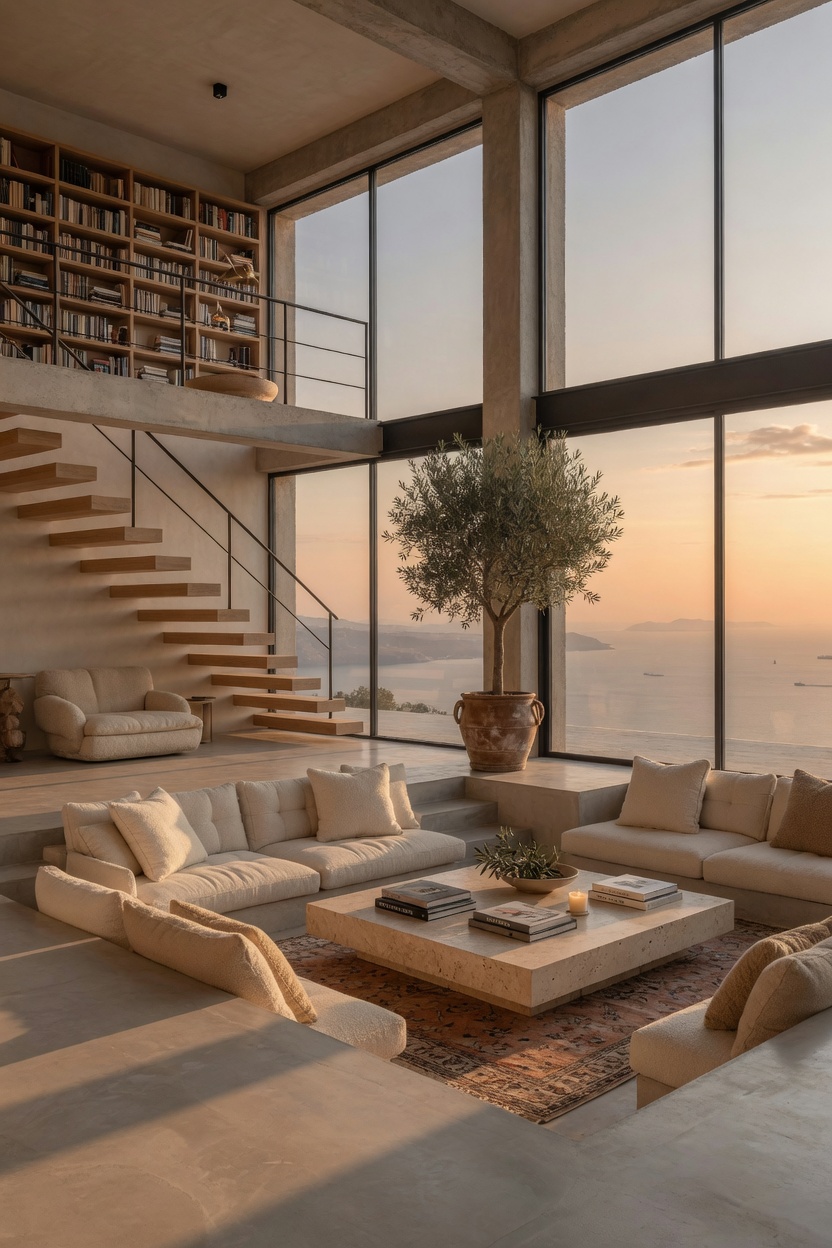
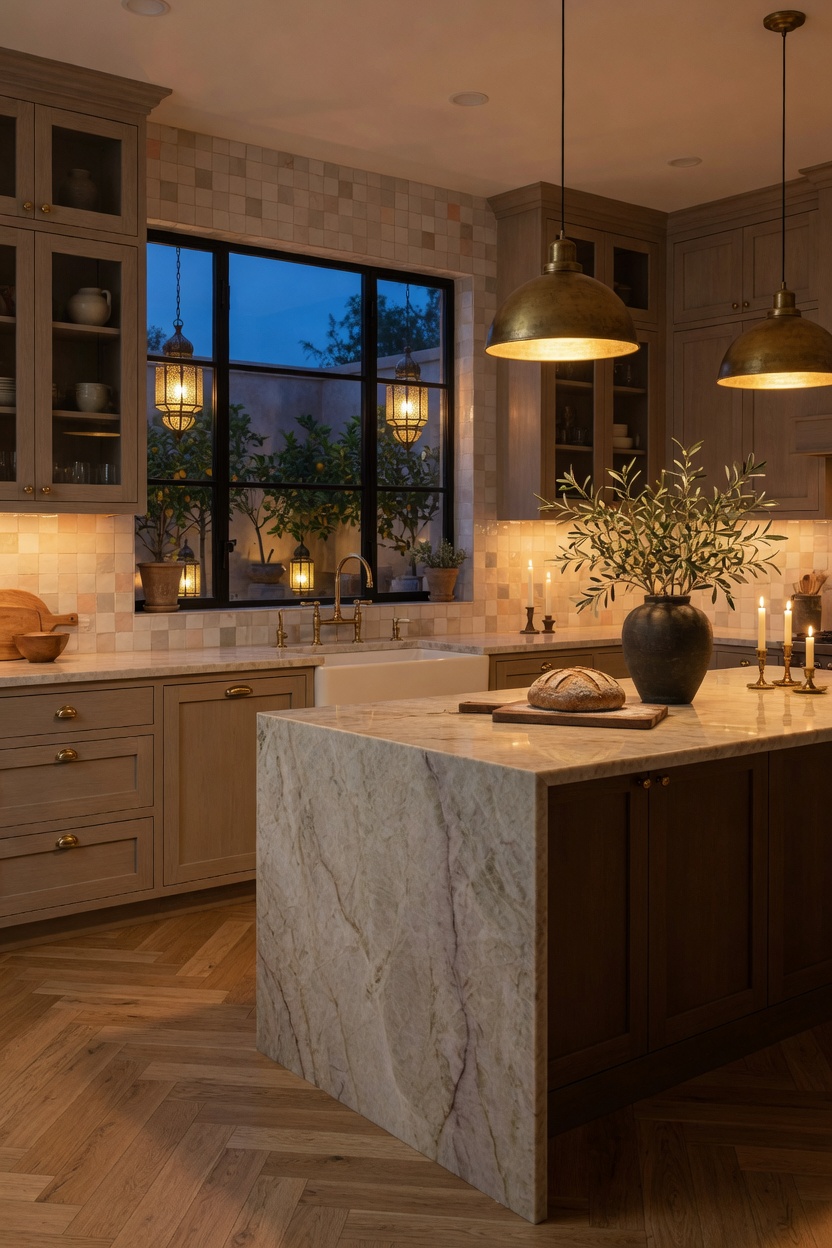
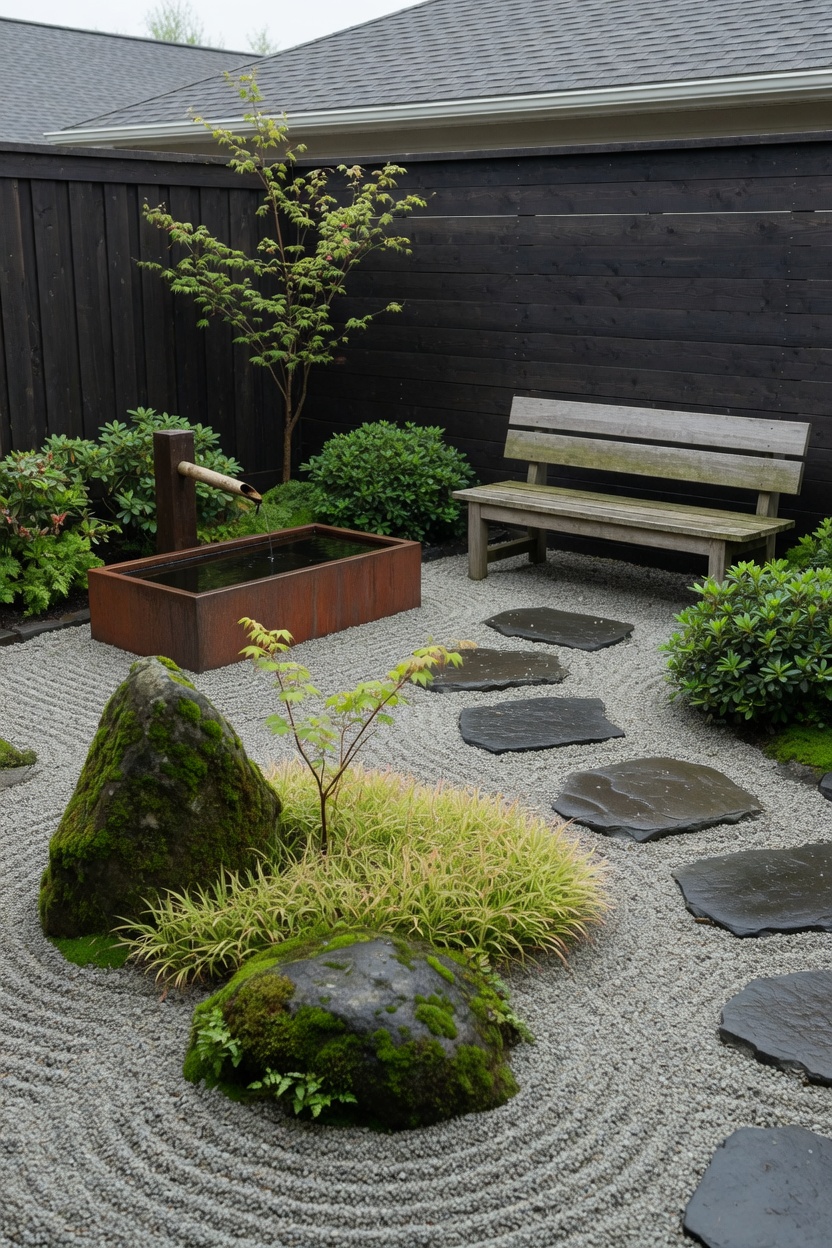
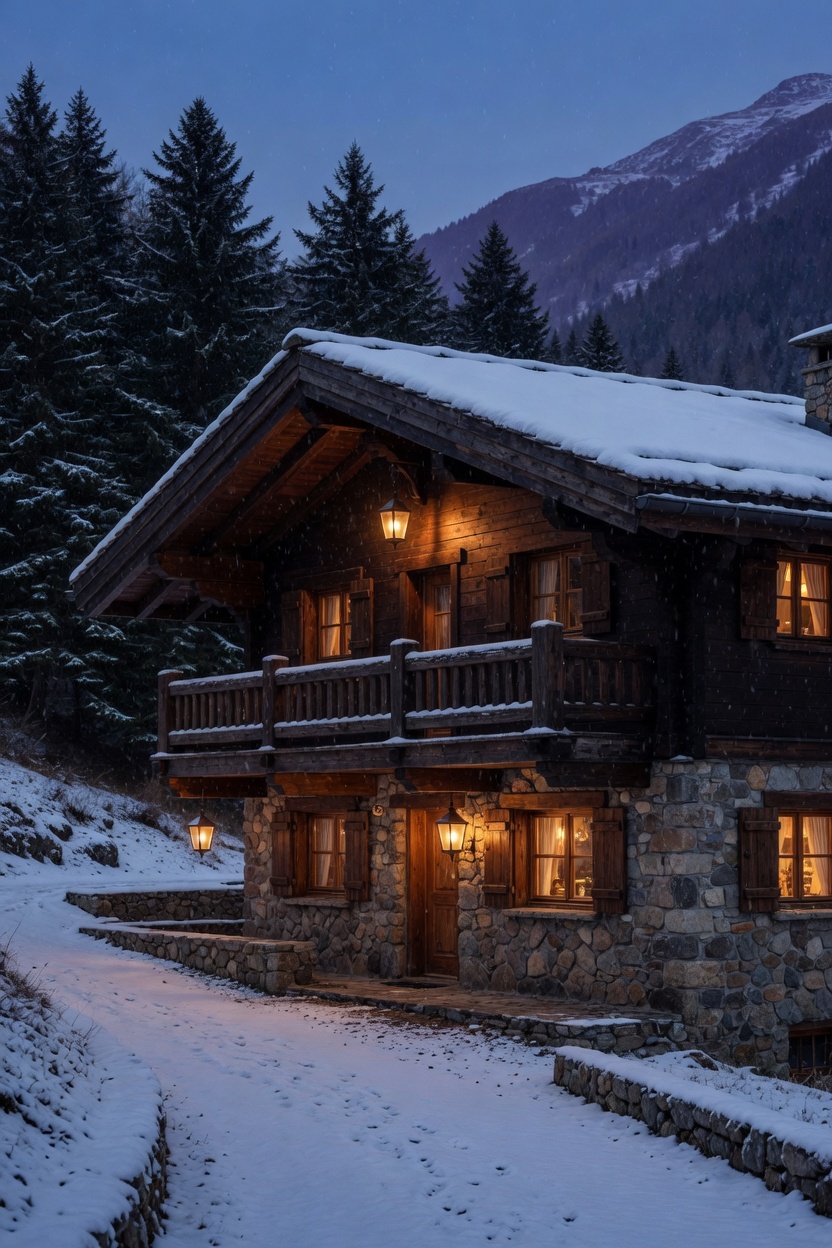
Try new colours in your space.
Preview different flooring options.
See it empty for a clean start.
Swap furniture or decor instantly.
Use a photo you love as reference.
Structural Preservation locks the photographed camera position, perspective, framing, walls, corners, levels, rooflines, windows, doors and openings. New furniture, finishes, planting and decor can be introduced without rebuilding the underlying space.
Renovation Design is your explicit permission for Rova to reimagine layout, surfaces, fixed elements and openings more freely while retaining the original viewpoint and recognisable property identity.
Rova supports interiors, building exteriors and gardens, plus focused tools for paint, flooring, emptying a room, replacing an object and applying an inspiration photo.
Your photo is uploaded only when a proposal is generated. Rova does not write source or reference images to its server database or cloud file storage. Saved projects remain on your device and may be included in your Apple device backup. Read the Privacy Policy for complete details.
Rova is available for iPhone through the App Store. Use the App Store download buttons on this page.